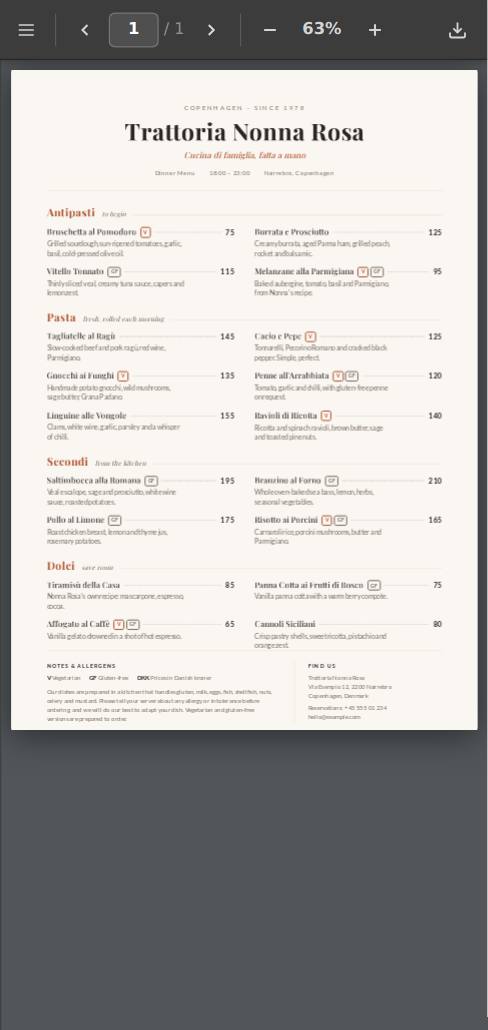
Your menu on every phone, always up to date
Upload your menu PDF or build a menu page, and get a link and QR code for your tables. Change a price and every QR code shows the new version.
Free to start · no card neededWhat restaurants and bars publish on Droply
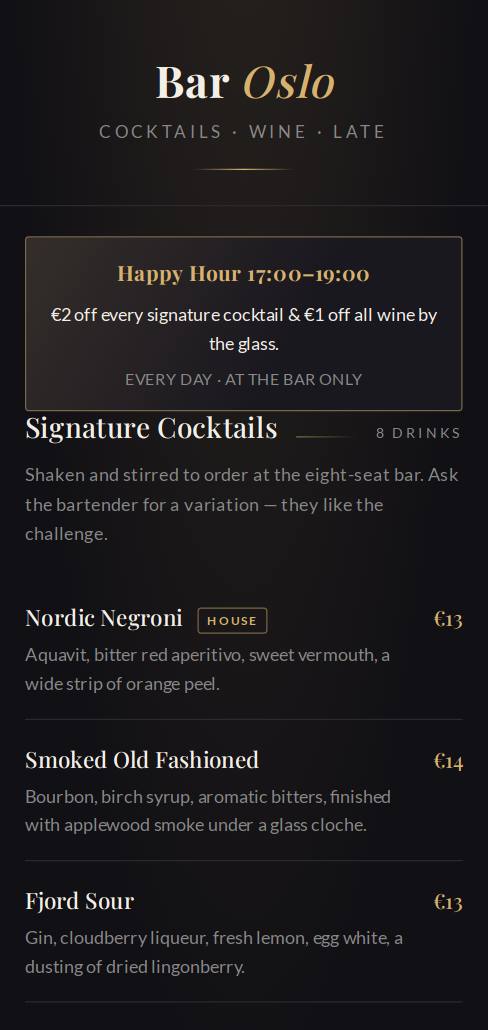
Live examples. Scan a code with your phone, or scroll the screen.
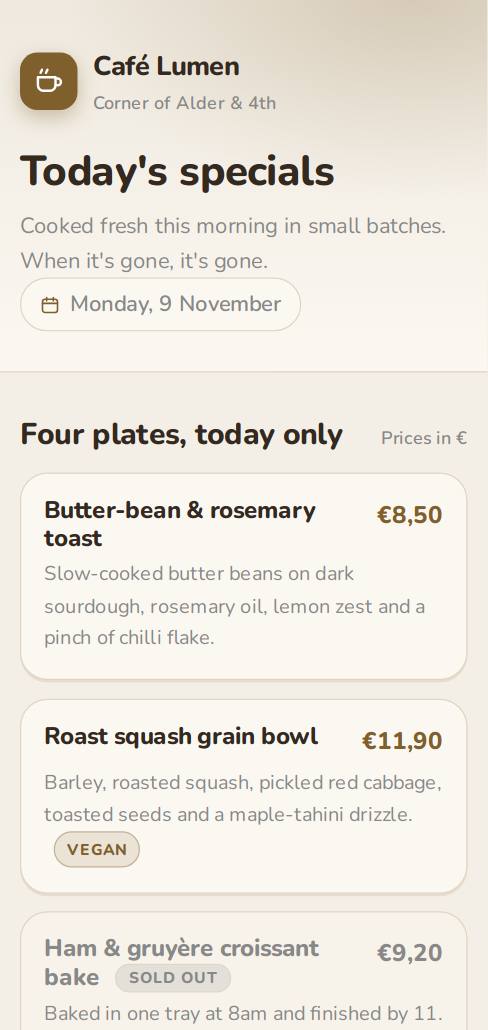
A QR code for every table
Print it on tables, windows and takeaway bags. Guests scan and the menu opens, no app needed.
Update without reprinting
Sold out, new price, new season: replace the file and the same link and QR code show the new menu.
Food, drinks and specials
Keep your menu, wine list and today's specials as separate links, or put them together in one.
1
Upload or build
Drop in a PDF, HTML or ZIP, or describe the page and let the AI build it.
2
Share the link
You get your own link and QR code instantly. It opens on any device.
3
Update any time
Replace the file and everyone sees the new version at the same link.
Questions
Do guests need an app to open the menu?
No. The QR code opens a normal web page in the phone's camera or browser.
Can I use the PDF menu I already have?
Yes. Upload the PDF and Droply shows it in a clean, phone-friendly viewer. You can also build a menu page with the AI builder.
What happens to the QR code when I change the menu?
Nothing: it keeps pointing at the same link. Upload the new version and guests see it straight away.
Is it free?
One live menu is free forever. Paid plans remove the Droply badge and add more projects, custom domains and visitor stats.
Ready to share yours?
Upload a file or build a page and get a live link in under a minute.